


HIPAA Audit Checklist for Healthcare Apps: What to Test and How to Fix What Fails

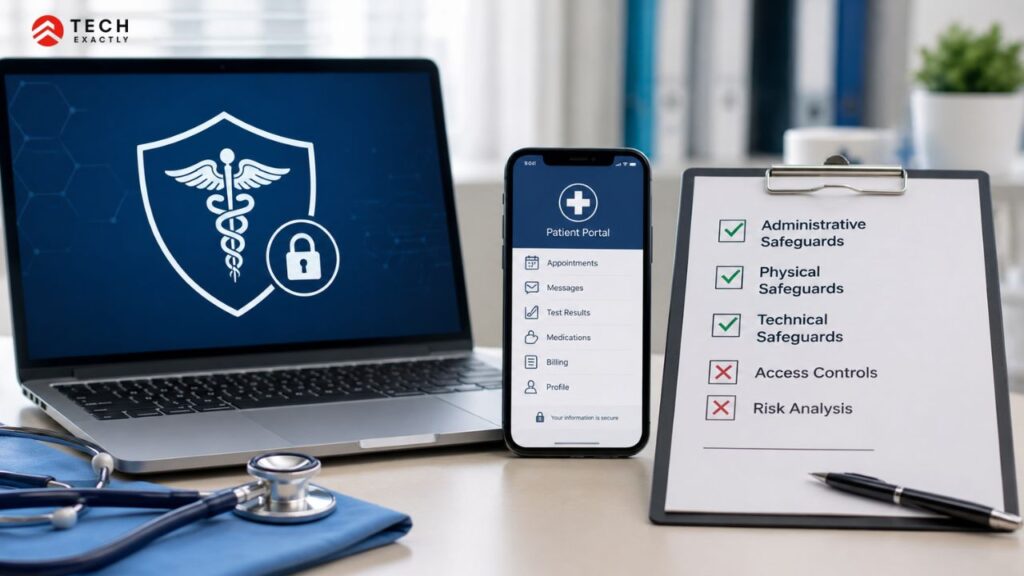
Key Takeaways
- Most HIPAA checklists aren’t built for app teams. They cover organisational policies and staff training. If you’re shipping software that handles patient data, you need a checklist that tests your architecture, your vendor chain, and where PHI actually ends up at runtime.
- The audit failures that kill healthcare apps aren’t the obvious ones. Teams get encryption right, but they miss the PHI sitting in their crash logs, their Redis cache, and their push notification previews.
- Your BAA with AWS doesn’t cover everything on AWS. Only services on the HIPAA-eligible list are covered. If your architecture uses a non-eligible service — even accidentally — the BAA doesn’t protect you.
- Fixing compliance after a failed audit costs 2–3x more than building it in from day one. Retrofitting audit logging alone can run $10K–$20K. Building it in from sprint one costs $3K–$5K.
- A failed audit isn’t the end. Most failures result in a corrective action plan, not immediate fines. But you need to move fast — the remediation window matters.
You can easily find a hundred HIPAA compliance checklists online. Almost none of them are useful if you’re building a healthcare app.
That’s because the typical checklist is written for a hospital compliance officer. It covers staff training, physical safeguards, organisational policies, and documentation requirements. All of that matters at the organisational level, but none of it tells you whether your app’s data layer is actually HIPAA-compliant, whether your BAA chain has gaps, or whether your push notifications are leaking PHI onto lock screens.
This checklist is different. It’s written for the engineering and product teams shipping healthcare software, the people who need to know what to test in their actual codebase, what passes, what fails, and what to do about each failure.
Why Most HIPAA Compliance Checklists Miss What Matters in Healthcare Apps
The standard HIPAA audit framework is built around three rules: the Privacy Rule, the Security Rule, and the Breach Notification Rule. Most checklists map directly to the administrative safeguards, physical safeguards, technical safeguards, and documentation.
That works for auditing a medical practice or a hospital’s IT department. It doesn’t translate well to a software product.
When you’re building a healthcare app, the compliance category is different. Your physical safeguards are your cloud provider’s data centres, which are covered by their BAA, not your policies. Your workforce training is a checkbox, not a technical challenge. But your API access controls, your audit trail implementation, your data handling in edge cases like caching, logging, notifications, those are where apps actually fail audits. And those are the items that generic checklists skip entirely.
What follows is a HIPAA audit checklist built specifically for healthcare app teams. Each section covers what to test, what a pass looks like, and what to fix if you fail.
HIPAA Security Audit Checklist: App Architecture and Infrastructure
This is where most audit findings originate. If you get this section right, you’ve covered roughly 60% of what an auditor or a hospital’s security team will ask about.
Encryption
- Data is encrypted at rest using AES-256 or equivalent for databases, file storage, and backups.
- Data is encrypted in transit using TLS 1.2 or higher on every connection
- Encryption keys are managed through a dedicated service (AWS KMS, Azure Key Vault, or GCP Cloud KMS) and are not hardcoded in the application config.
- Database backups encrypted with the same standard as the production database.
What fails is that teams encrypt the primary database but forget backups, staging environments, and data exports. Auditors check all of them.
You can fix it by enabling encryption on every data store that touches PHI. For backups, most cloud providers offer encryption-by-default settings; you need to turn them on. For staging, either use synthetic data (preferred) or encrypt it to the same standard as production. This is usually a configuration change, not a code rewrite.
Access controls
- Role-based access control (RBAC) is enforced at three levels: UI, API, and database.
- Minimum necessary access, where each role can only see the data it needs
- Multi-factor authentication for any user with access to PHI
- Session timeouts configured (auto-logout after inactivity)
- Access revocation works immediately when a user’s role changes or they’re removed
The most common failure pattern here is what Oktopeak’s audit team calls “UI-only access controls,” where the app hides data in the interface but the API still returns it when called directly. An auditor with DevTools open in the browser can spot this in minutes.
You can fix it by enforcing access checks at the API middleware level, not just in the frontend components. Every API endpoint that returns PHI should validate the requesting user’s role before returning data. Then, add a database-level check, such as row-level security or filtered queries, as a third layer. This is a significant retrofit if your API was built without it.
Audit logging
- Every access to PHI is logged, including both reads and writes, not just modifications.
- Each log entry captures: user ID, role, action type, resource accessed, timestamp (UTC), source IP, and session ID.
- Logs are stored separately from the application database in append-only or immutable storage.
- Log retention meets the six-year HIPAA minimum
- Logs cannot be modified or deleted by application users or administrators
What fails is that logging writes but not reads. This is the single most common audit failure in healthcare apps. An auditor will ask, “Show me every time Patient X’s records were viewed in the last 30 days.” If your logging only captures, creates, updates, and deletes, you cannot answer that question.
You can fix it by implementing audit logging as middleware that wraps every API request touching PHI. Don’t rely on per-controller logging, as several things get missed. Store logs in a separate, append-only system with a six-year retention policy. Building this in from day one costs a few thousand dollars. Retrofitting it after a failed audit typically costs $10K–$20K because you need to touch every data access point in your codebase.
This detailed guide on how to design security architecture for healthcare apps explains how to handle all three layers, encryption, access controls, and logging, and their implementation patterns.
HIPAA Audit Checklist: BAA Chain and Third-Party Vendor Coverage
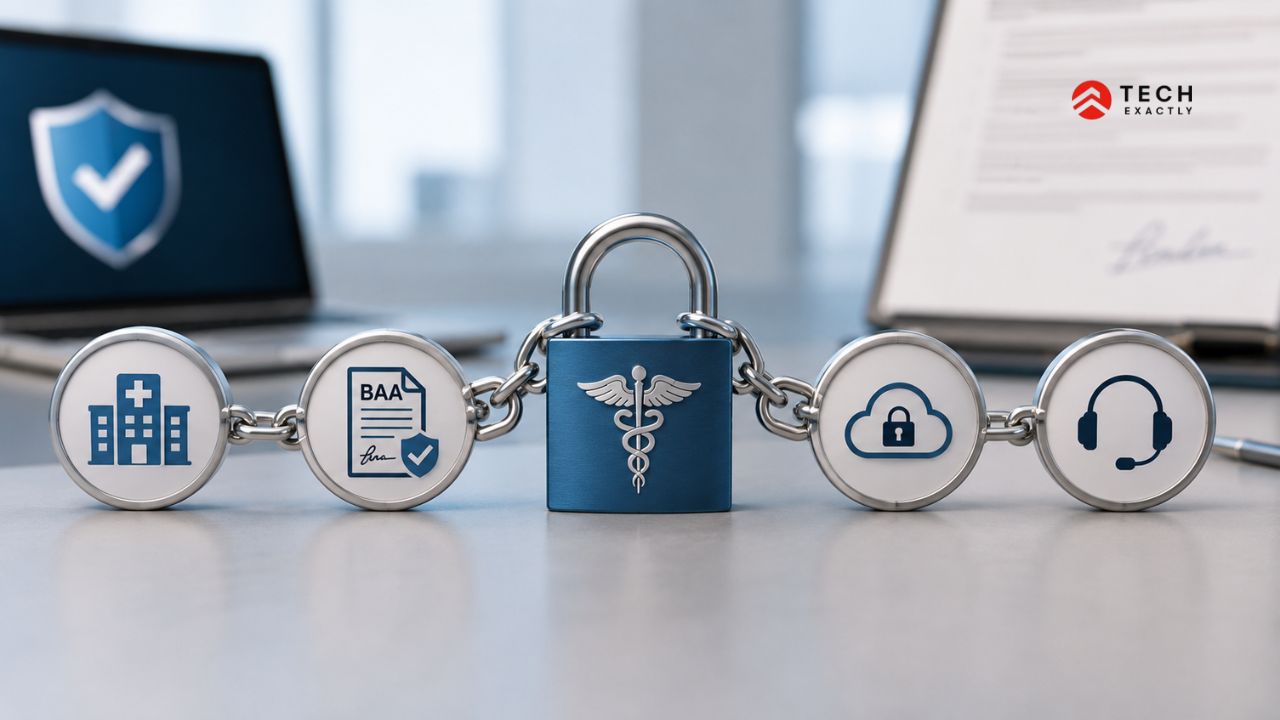
Your app doesn’t operate in isolation. It relies on cloud infrastructure, messaging platforms, analytics tools, error trackers, and several other third-party services. If any of those vendors can access or process PHI, a signed Business Associate Agreement (BAA) is required.
This is where the “we’re HIPAA compliant, we use AWS” answer falls apart.
Cloud provider
- Signed BAA in place with your cloud provider (AWS, Azure, or GCP)
- Every service in your architecture is on the provider’s HIPAA-eligible services list
- Data residency confirmed in writing, you know which region your PHI lives in
- No preview services or beta features used in production (these are typically not HIPAA-eligible)
What fails is using a service that’s on AWS but not on the HIPAA-eligible list. Having a signed BAA doesn’t cover non-eligible services. SageMaker, in certain configurations, some analytics services, and preview features, if PHI flows through any of these, the BAA doesn’t protect you.
Subprocessors and third-party tools
- Complete list of every third-party service that could touch PHI, documented and current
- Signed a BAA with each one
An SMS/notification provider (Twilio, etc.) is in place with a BAA. - Error tracking and crash reporting (Sentry, Crashlytics, Bugsnag) are in place with a BAA, or PHI is stripped before data reaches the service.
- Analytics (Mixpanel, Amplitude, Google Analytics) are in place with a BAA, or PHI is excluded from event data.
- A Video SDK (if telehealth features exist) is in place with a BAA.
What fails is that the error tracking tool is the one that catches most teams off guard. Sentry and Crashlytics capture request payloads and stack traces automatically. If a crash happens while processing a patient record, the crash report might contain PHI, such as patient names, IDs, and diagnostic codes are sent to a service with no BAA. The same goes for analytics tools that auto-capture URL parameters or form fields.
You can fix it by auditing every outbound connection your app makes. For each service, either get a BAA or strip PHI before the data reaches it. For error tracking, configure data scrubbing rules that filter out PHI fields from crash reports. For analytics, use an allowlist approach where you only send explicitly approved event properties, never auto-capture.
Cloud healthcare computing, including how BAA coverage actually works across AWS, Azure, and GCP, is covered in more detail in this guide.
Let's Start Your Project Today
Ready to build your healthcare app with us? Reach out now – our experts are just one click away.
HIPAA Audit Checklist: Data Handling That Most Healthcare Apps Get Wrong
Most generic checklists don’t account for issues like these. They’re highly specific to how sensitive health information is displayed in notifications, including titles and message previews, which many teams fail to consider upfront.
Push notifications
- No PHI is in the notification content, including the title, the body, and the preview text.
- Notifications prompt the user to open the app; clinical content is behind authentication
- Notification payloads don’t include PHI in metadata fields
A push notification that says “Your lab results are ready” is borderline. One that says “Your cholesterol is 240, schedule a follow-up” is a clear HIPAA violation. The notification preview appears on a locked screen. Anyone who picks up the phone can read it.
Caching layers
- Redis, Memcached, or any in-memory cache that stores PHI is encrypted
- Cache expiry is configured. PHI doesn’t persist indefinitely in memory
- Cache contents are included in your data flow map
Caching is invisible to most compliance reviews because it’s not a “database.” But if your app caches patient records in Redis for performance, that’s a PHI data store. It needs encryption, access controls, and documentation.
Application logs and error reports
- Application logs do not contain PHI, including patient names, IDs, or clinical data in the log output.
- Structured logging with explicit field allowlists (log what you choose, not everything)
- Log aggregation services (Datadog, CloudWatch Logs, Splunk) have BAAs or receive only scrubbed data
Search indices
- If your app uses Elasticsearch, Algolia, or similar search indices that contain PHI are encrypted at rest
- Access controls on search endpoints match the main application’s access controls
Staging and test environments
- No production PHI in staging or test environments
- Synthetic or de-identified data used for testing
- If de-identified data is used, de-identification follows the HIPAA Safe Harbor method (18 identifiers removed)
The full picture of how to secure healthcare apps across all of these layers and not just what to check, but how to implement the protections, is covered in this guide.

Your Healthcare App Failed a HIPAA Audit? Here's What to Do Next
You ran the self-audit above, or a hospital system’s security team ran their vendor assessment, and you’ve got findings. Maybe a few. Maybe a lot. Here’s how to handle it without panicking.
Step 1: Categorise the findings by risk.
Not all failures are equal. An unencrypted staging database with real PHI is a critical finding that needs immediate action. A missing log field in your audit trail is a gap that needs fixing, but isn’t an active exposure.
Sort findings into three buckets:
- Critical — active PHI exposure: Unencrypted data stores, missing BAAs on services that currently process PHI, and access control gaps that allow unauthorised data access. Fix these first.
- High — compliance gap without active exposure: Incomplete audit logging, missing breach notification plan, and access controls that work but aren’t documented. Fix these within 30 days.
- Medium — documentation and process gaps: Missing policies, incomplete risk assessment documentation, and training records. Address these within 60–90 days.
Step 2: Stop the bleeding on critical findings.
If you’ve got PHI in an unencrypted cache, an analytics tool capturing patient data without a BAA, or an API endpoint returning data to unauthorised roles, you need to fix those today, not next sprint.
Step 3: Build a corrective action plan with dates.
For each finding, document what the gap is, what the fix involves, who owns it, and when it will be done. This isn’t bureaucracy. If an OCR comes knocking, a documented corrective action plan with evidence of progress is the difference between a warning and a fine.
Step 4: Fix, verify, and document.
Fix each item. Test the fix (not just in dev but also in staging and production). Document what changed, when, and who verified it. This documentation becomes your evidence for the re-audit.
Step 5: Re-run the audit.
Once remediation is complete, run the full checklist again. Every item. Don’t assume that fixing one thing didn’t break something else. It happens more often than you’d expect, especially with access control changes.
Step 6: Set up ongoing monitoring.
A one-time audit fix is temporary. Set up automated checks where possible, encryption validation, BAA registry reviews, and audit log integrity checks. Schedule a HIPAA self-audit at least annually, or after any major release that changes how PHI flows through the app.
If the scope of the remediation is beyond what your team can handle, especially if it involves rearchitecting access controls or rebuilding audit logging from scratch, bringing in a team that’s done this before will save you time and money. The retrofit is harder than the initial build, and the mistakes are more expensive when you’re fixing under pressure.
The compliant healthcare app development guide covers how to structure the build process so these issues don’t surface in the first place.
Let's Start Your Project Today
Ready to build your healthcare app with us? Reach out now – our experts are just one click away.
How Much Does It Cost to Fix HIPAA Compliance After a Failed Audit?
The uncomfortable truth is that retrofitting HIPAA compliance after a failed audit typically costs 2–3 times more than building it in correctly from the start.
| Fix | Build in from day one | Retrofit after audit |
|---|---|---|
| Audit logging (reads and writes) | $3K–$5K | $10K–$20K |
| Access controls (API and database level) | $3K–$5K | $8K–$15K |
| BAA chain cleanup and vendor audit | $1K–$2K | $3K–$5K |
| Breach notification plan | $1K–$2K | $1K–$2K |
| Encryption gaps (backups, cache, logs) | $2K–$3K | $6K–$10K |
| Total | $10K–$17K | $28K–$52K |
These are just the engineering costs, not counting the lost deals, the delayed launches, or the legal exposure. The penalty side is separate altogether. The HHS OCR publishes enforcement actions with fines ranging from corrective action plans with no monetary penalty, all the way to millions for wilful neglect.
For a broader look at what healthcare app development costs across different app types and compliance requirements, that breakdown covers the full picture.
Don't Wait for the Audit to Find the Gaps
The teams that pass HIPAA audits on the first try aren’t the ones that spent more money. They’re the ones that treated compliance as architecture, something integrated into the data model, the API layer, and the vendor selection process from week one.
Run this checklist against your own app. If you find failures, fix them now while you control the timeline. Fixing under the pressure of a failed vendor assessment or an OCR inquiry is more expensive, more stressful, and more likely to introduce new problems.
If you’ve already failed an audit or you’re not confident your app would pass one, Tech Exactly’s healthcare app development team can run a compliance review and help you prioritise what to fix first. We’ve built HIPAA-compliant healthcare apps for clients across the US. One of them was a telehealth platform where compliance was treated as a core requirement from day one.
We’ve also worked on projects where we were brought in later to identify and fix compliance gaps after the initial development phase went wrong. A security and QA assessment, including penetration testing, is a good first step if you want a third-party view of where you stand before a formal audit.
Let's Start Your Project Today
Ready to build your healthcare app with us? Reach out now – our experts are just one click away.
Frequently Asked Questions About HIPAA Audits for Healthcare Apps
HIPAA scrutiny begins in three common scenarios. First, a data breach that gets reported to HHS; any breach affecting 500+ individuals automatically triggers an OCR investigation. Second, a patient complaint was filed with OCR about how their data was handled. Third, the OCR's own audit programme, which periodically selects covered entities and business associates for proactive review. Beyond formal audits, the most common audit healthcare apps face is a vendor security assessment from a hospital system evaluating whether to adopt the product. Failing that can mean losing the deal.
An internal audit is something you run yourself or hire a consultant to run to check your own compliance before someone else does. It's voluntary, the findings are private, and you control the remediation timeline. An OCR audit is conducted by the Office for Civil Rights at HHS. It is not optional. Once triggered, the findings become part of the official record, and any non-compliance can lead to corrective action plans, financial penalties, or both. Internal audits are how you avoid bad outcomes in OCR audits.
Technically, HIPAA doesn't specifically mandate penetration testing. The Security Rule requires you to conduct a technical evaluation in response to environmental or operational changes, which most auditors and legal counsel interpret as including penetration testing. In practice, every serious hospital vendor assessment asks for your latest pen test results. Skipping it saves a few thousand dollars and costs you enterprise deals.
Annually, at the very least. Additionally, perform one after any major release that changes how PHI is collected, stored, transmitted, or accessed, such as a new feature that adds messaging, a migration to a new cloud provider, or a change in your analytics stack. The cadence matters less than consistency. A team that audits after every major release will catch problems at the point where they're cheapest to fix.
If it's an internal audit or vendor assessment, the immediate consequence is losing the deal or the client relationship. If it's an OCR audit, unresolved findings escalate. OCR typically starts with a corrective action plan, a formal agreement to fix specific issues within a defined timeframe. If you fail to follow through, penalties escalate to civil monetary penalties, which are around $100–$50,000 per incident for reasonable cause and up to $1.5 million per violation category annually for wilful neglect. Criminal penalties are possible in extreme cases involving intentional misuse of PHI.

Manas Das, Mobile App Architect at Tech Exactly, has over 9 years of experience leading teams in iOS, Android, and cross-platform development. He specialises in scalable app architecture and GenAI-driven mobile innovation.